Plan a route at tourk.it and ride it on your Garmin Edge as a native Garmin course. Turn-by-turn directions and ClimbPro work exactly as they do for any other course. There is no file to copy and no cable, and you never give TourKit your Garmin password.
The app is free on the Connect IQ Store, and it works on a free TourKit account. Here is how to set it up, and what it does on the ride.
Set it up in three steps
- Create a free account at tourk.it.
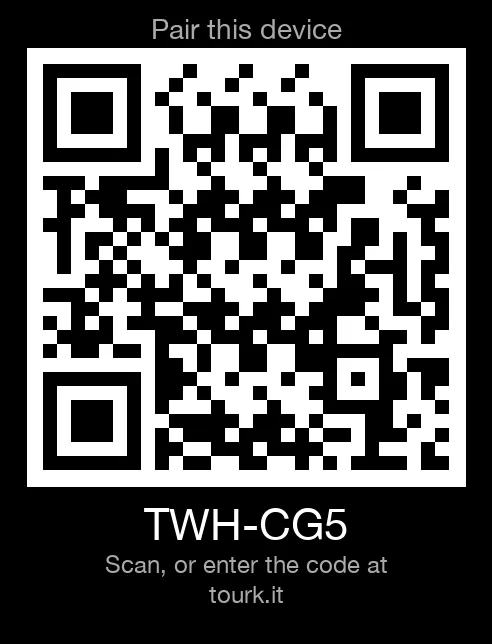
- Install TourKit on your Edge from the Connect IQ Store, in the Connect IQ app on your phone. Open it on the Edge, and it shows a pairing code and a QR code.
- Pair it. Scan the QR code with your phone and confirm, or type the code in at tourk.it under Settings → Privacy & Data. The Edge is paired, and it stays paired.
Your routes, as you keep them
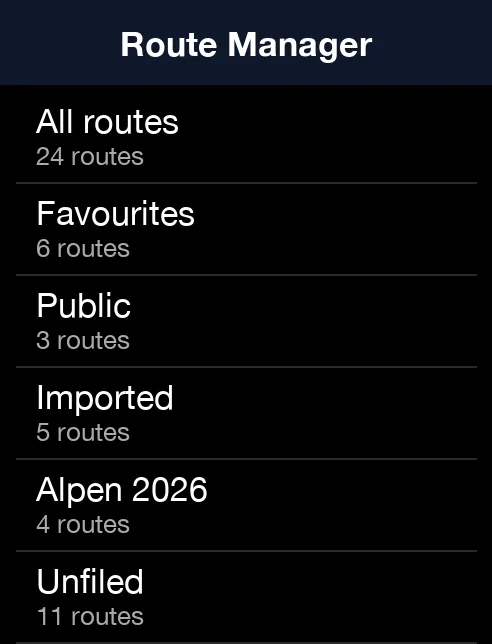
Open Route Manager and your routes are there as you keep them at tourk.it: All routes, Favourites, Imported and each of your folders, with Unfiled for the rest. Nearby lists public routes close to where you are. In the app's Settings, Route sort orders them by the most recently updated, the longest, the most climbing or by name.
Read the route before you roll
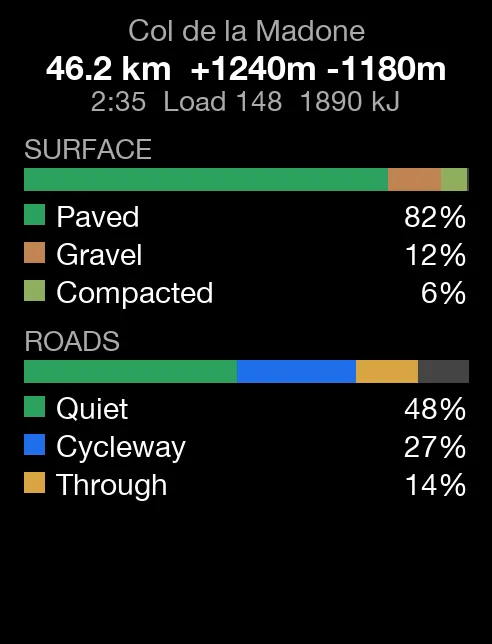
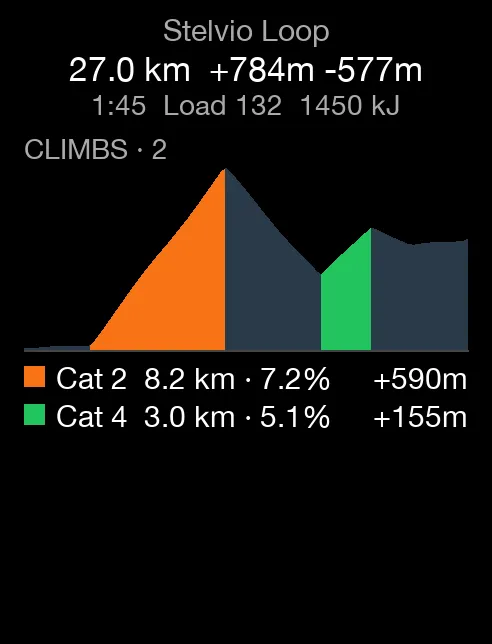
Pick a route and open Route summary. Before you set off, it shows the distance, the climbing, the estimated time, the route's Load and the energy it takes. Then what you will ride on: the mix of surfaces, the kinds of road and their traffic stress, and every categorised climb on the elevation profile, with its length, its gradient and the height it gains.
Ride it now, or keep it for later
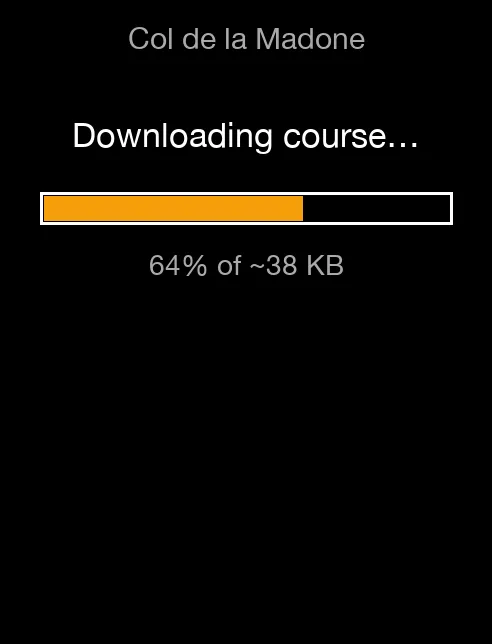
Download + Navigate puts the route in the Edge's own Courses list and starts navigation. Navigate in reverse does the same the other way round. Download only keeps it for later: it waits under Navigation → Courses, ready to ride with no phone signal.
The points you add to a route in the planner, such as a brevet's controls, come with it as course points. Course points in the app's settings turns them off.
Water, cafés and bike shops near you
Find nearby looks around where you are for water, cafés, food shops, bike shops, toilets, fuel, pharmacies, viewpoints, places to stay and shelters. Pick one and ride there: the route comes to your Edge as a course.
Your workouts, as Garmin workouts
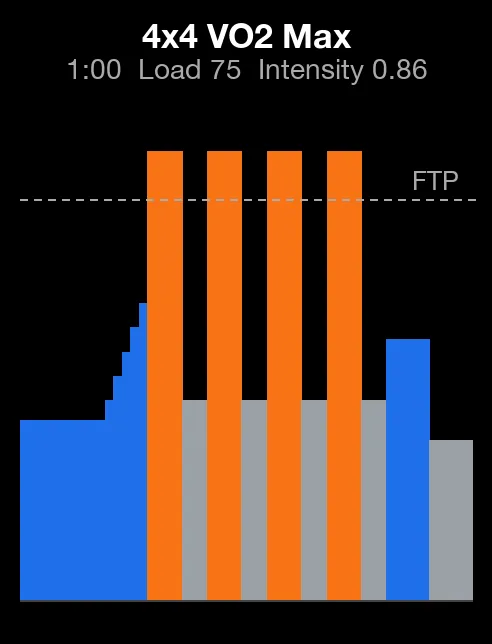
Workout Manager puts your training on the Edge. This week lists the workouts in your TourKit calendar for the next seven days, beside Favourites, My workouts and the Library, which you can filter by zone, type, duration, Intensity and Load. Pick one and choose Download + Start: it is saved as a native Garmin workout, under Training → Workouts, and runs as any Garmin workout does.
A free account has a curated selection of the library, and Pro opens all of it.
Out of coverage
Riding out of signal? Sync your favourites first: Sync favourites now in the app's settings, or turn on Auto-sync favourites, and the same for workouts. The lists you last opened stay readable with no phone connection, and the courses you downloaded ride as normal.
Your devices, your call
Every paired Edge is listed at tourk.it under Settings → Privacy & Data, and you can remove one at any time. Unpair device, in the app's settings, does the same from the Edge. The app reaches tourk.it through your phone's Garmin Connect connection, and uses your position only when you ask for routes or places near you.
Which Edges
Edge 530, 540, 550, 830, 840, 850, 1030, 1030 Plus, 1030 Bontrager, 1040, 1050, Explore and Explore 2.
Get it
TourKit on the Connect IQ Store: free, and it works on a free TourKit account.
New to planning in TourKit? Start with Your first route in the Planner. Planning something long? Plan a 600 km brevet and pace it to its controls.
TourKit: Plan · Train · Tour. Everything, Pro included, is free during the beta.
Try it free at tourk.it
The Edge screens are the app's own, from its store listing. Map data © OpenStreetMap contributors; full data credits at tourk.it/attributions.
Garmin, Edge, Connect IQ and ClimbPro are trademarks of Garmin Ltd. or its subsidiaries. TourKit is not affiliated with Garmin.